Vector Conversion
Vector conversion service is required to convert raster graphics into printable vector graphics. It is necessary for business advertisement, printing larger images, and logo making to fade even after enlarging to the maximum.
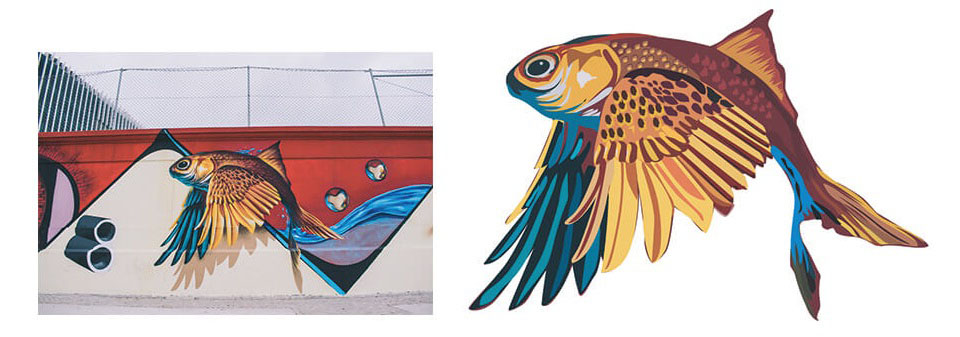
Vector conversion makes your images print-worthy for billboards, banners, corporate events, etc. Your stock photos will look blurry if you enlarge them to the maximum but not the vector files. Raster to vector conversion preserves your image’s quality with clean & more incredible details. You can use your vector photos for logos, banners, screen printing, automobile wraps, and many more without losing the quality.
Welcome To Our Vector Conversion Service
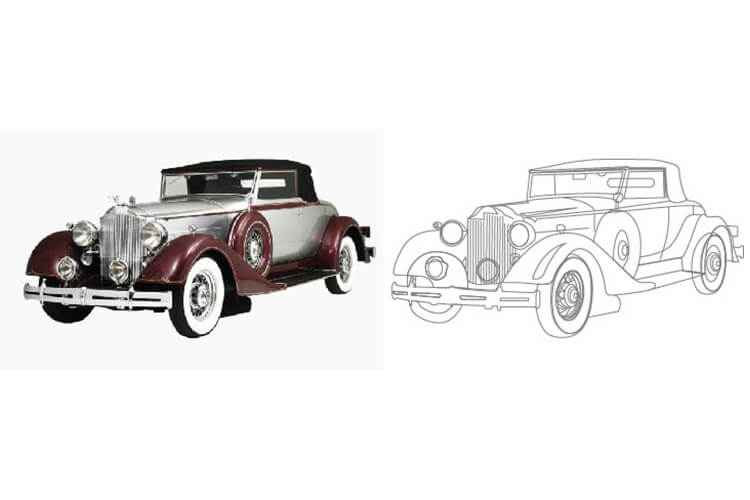
Generally, cameras take images in raster graphics. It is a combination of dots or pixels. This type of file suits our regular necessities. But they are not capable of handling our commercial needs. That is when you need to convert them to vector files. Vector conversion is the process of converting raster graphics to vector graphics using Adobe Illustrator. It is also the manual recreation of vector lines from the raster files. There is some automated process out there, but the result is not entirely satisfactory. The ideal way is to recreate a raster image by hand in Adobe Illustrator expertly. Vector images are also called print-ready photos because they can be printed in any form of media in any size.
Raster Image Vs.Vector Image
Raster files consist of a series of pixels. Enlargement of these files results in bad quality and displacement of the shapes. It also loses pixel when the image file size gets bigger. It is one of the significant issues of the raster image. A raster image is full of pixels that generally smaller in size. It can be an excellent choice for an online store or website. JPEG, GIF, and PNG are common types of raster file formats.
Who Uses Vector Conversion Service?
Raster to vector conversion service is the most popular service in Illustrator. Corporate offices use this service a lot for different purposes. People use vector conversion services to make banners, wrappers, billboards, printings, t-shirts, business cards, architectural designs, etc. The world is full of numerous media, and the number is growing fast. Business organizations use different types of info-graphics to uphold their identity. They are known as business logos, slogans, etc. They use them for advertising purposes mainly. That’s why they need to enlarge them to use in banners and other advertising media. But widening often destroys the quality of raster images & however, raster to vector conversion service can end up with this limitation.
How To Convert A Raster Photo To A Vector Photo?
First, take a raster image to convert it into a vector image. Open the image in Adobe Illustrator and then take a new layer and then look at the first image layer. Now, select the pen tool to create a path, or in the case of a round shape, you can take the Ellipse tool to make a rounded shape. After that, take the original color from the original image using the Eyedropper tool and then use the gradient tool to fill the color. Select the gradient type option and select Liner
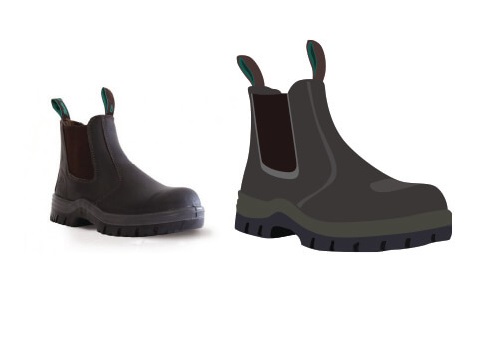
Vector To Raster Conversion
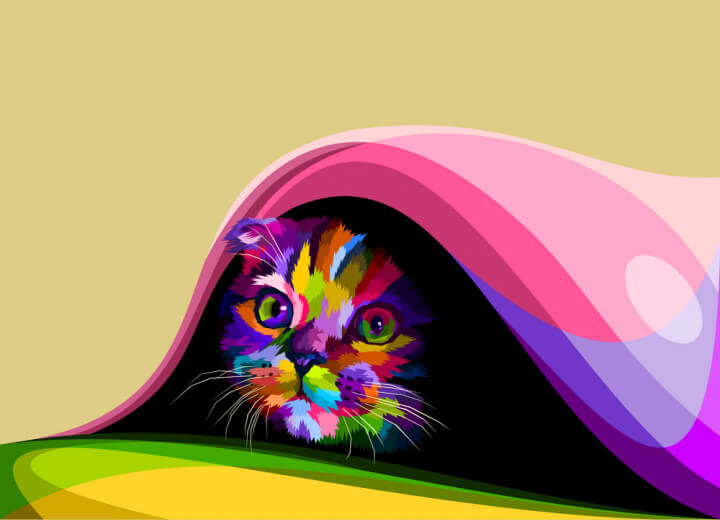
Because the vector image has more details, it is much easier to change it into a raster image. All we have to do is to click on save a function to change the file type.
The reason why you should hire us? What makes us unique from others?
• Super-Fast delivery
• 24/7 support
• Custom quotation
• High volume image editing
• Cost-effective price
• Dedicated & professional photo editors
• Live chat
• Non-disclosure agreement
• Discount in bulk image
• Experienced Professionals
• Guaranteed Quality
• Support Complexity
• Schedule Backup Policy
• Free Trials
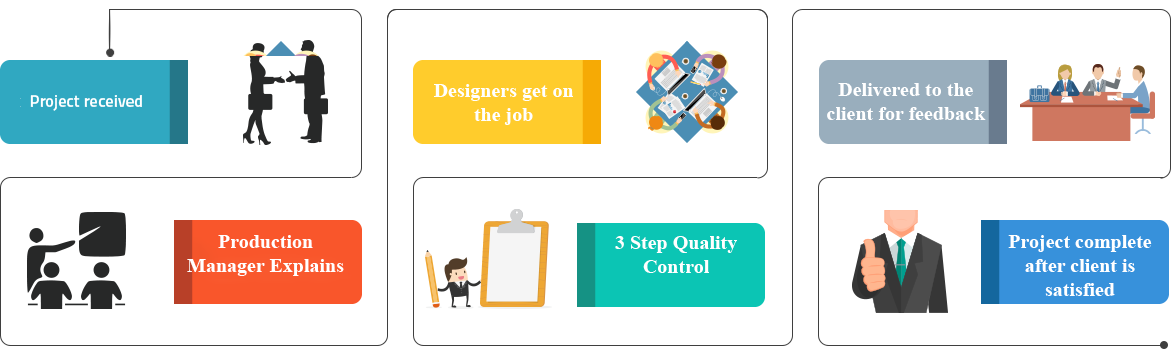
How It Work